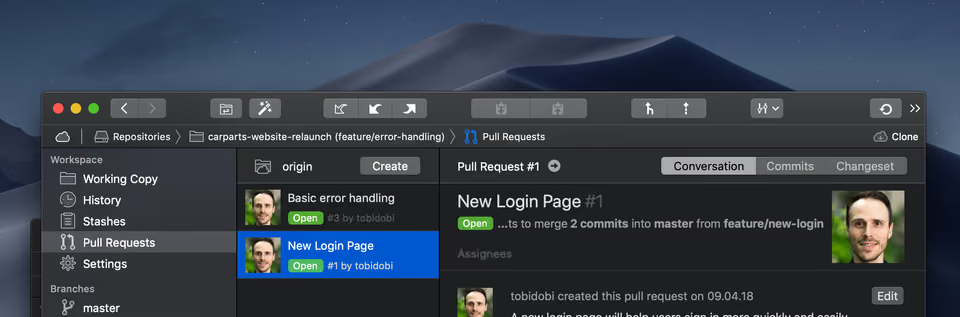
Turning to the "dark side" has never been more visually appealing - because Tower is now available in "Dark Mode"!
Tower for Mac
With Apple making "Dark Mode" a prominent feature in the new macOS Mojave, we've received countless requests to offer a Dark Mode for Tower, too.
And since version 3.2.0, released at the same time the new macOS was released, Tower for Mac now has a beautiful dark theme:
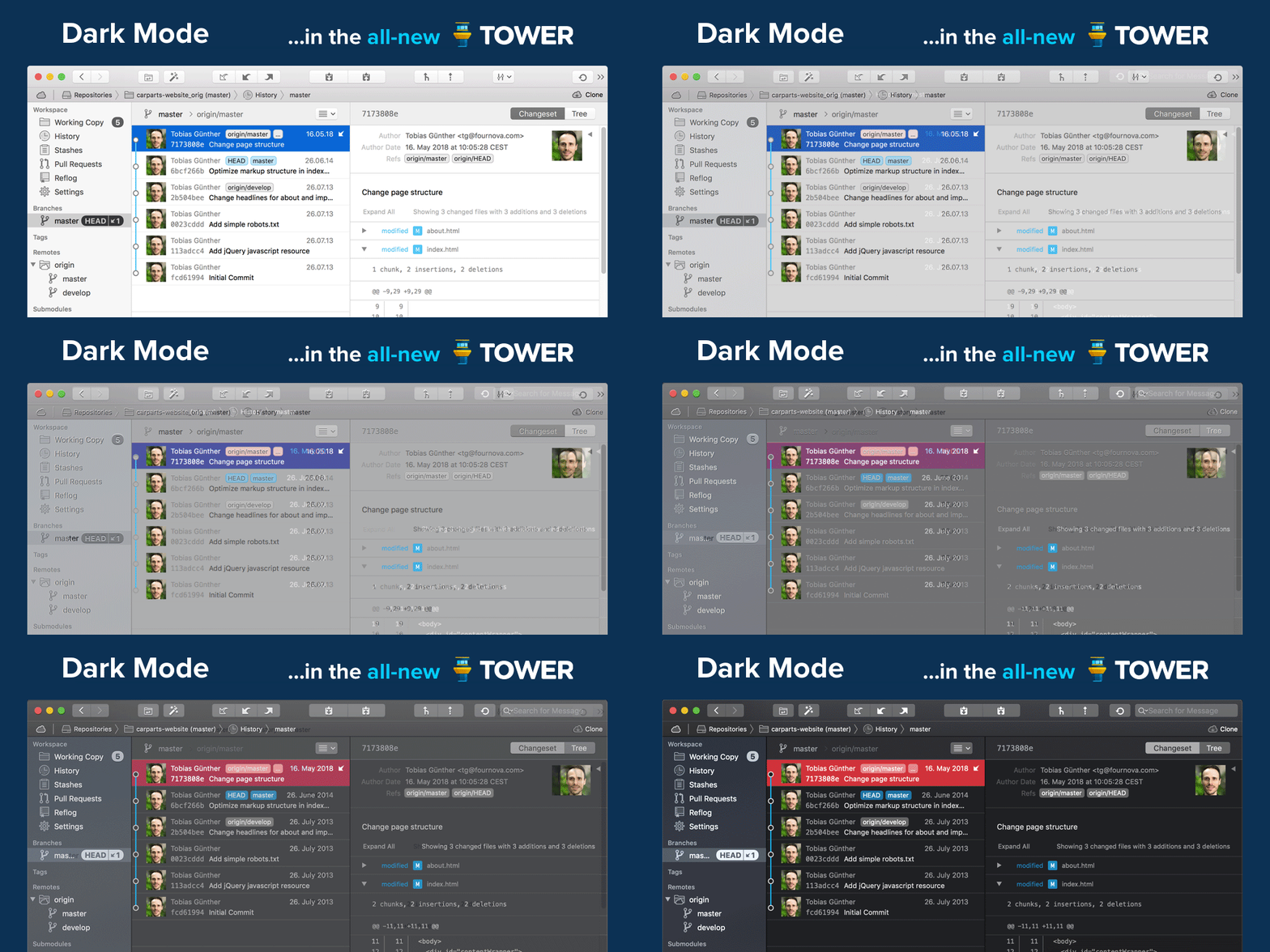
To switch Tower to Dark Mode you need to run macOS 10.14 Mojave: open "System Settings", go to "General" and select dark mode for "Appearance". Enjoy your favorite Git client in a new "light"!
Tower for Windows
Right now, we're already working on bringing an equally awesome Dark Mode to Tower for Windows. Stay tuned for our next updates and keep a close eye on Twitter to be the first to hear about any news!
Make sure to download our free trial today and take the new Tower for a spin!
If you have already started your trial and need more time to test, simply contact our support. We'll be happy to extend your free trial for another 30 days!
