Git Bash: How to Get Started with Git on Windows
Git Bash is a terminal emulator for Windows that bundles Git with a Bash shell and Unix utilities like ls, grep, and ssh - giving Windows users the same command-line experience macOS and Linux developers already have. It ships as part of the Git for Windows installer.
That's the command-line route. If you'd rather skip the terminal altogether, a GUI client like Tower gives you the same Git operations through a visual interface - see How to Use Git in a Desktop GUI below.
The Git Cheat Sheet
No need to remember all those commands and parameters: get our popular "Git Cheat Sheet" - for free!
What is Git Bash?
Git Bash, quite simply, is an application for Microsoft Windows that emulates the "original" Git version control system as it was built for Unix-style environments.
The name indicates that "Git Bash" will provide a user with two main components:
(1) Git - The collection of command line programs that makes up the Git version control system.
(2) Bash - The name of a popular default shell on macOS and Linux.
This means that the Git Bash package not only installs Git, but also the Bash shell and some important utilities for Bash.
How to Install Git Bash
Today, installing Git Bash has become very easy:
- Download the Git for Windows package from the project's website.
- Install the program like any other Windows application, through the included
.exefile.
While the process is fairly straightforward, if you're looking for a step-by-step explanation on how to install Git Bash, have a look at our blog post on installing Git Bash.
After installing Git Bash on a Windows computer, users have the same set of Git commands available as in Git's native environment (a Unix-style system like Linux or macOS).
How to Use Git in a Desktop GUI
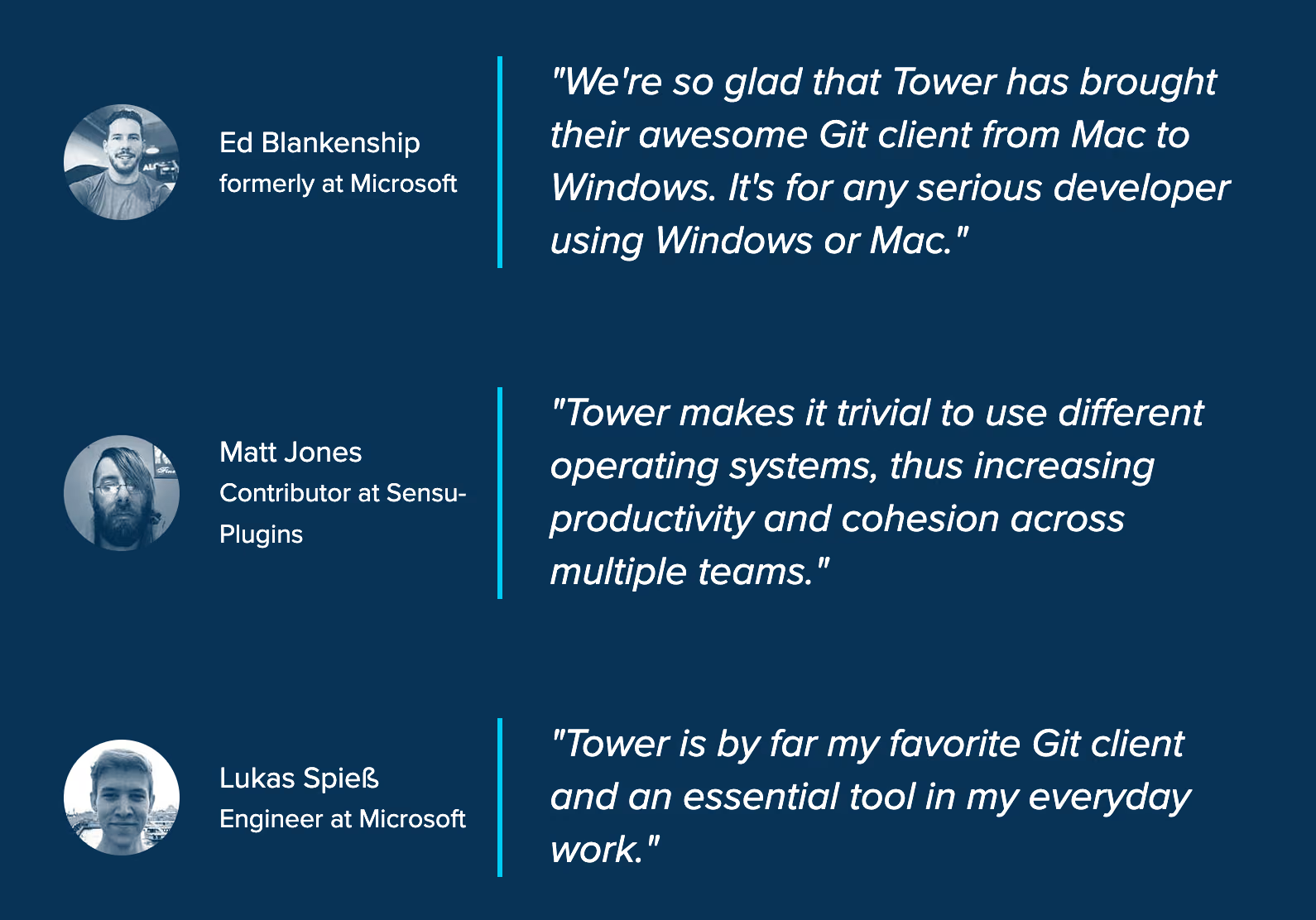
Instead of installing Git Bash and using Git through a command line terminal, you can also use it through a desktop GUI. The Tower Git client, for example, is used by over 100,000 developers all over the world, in companies like Microsoft, Google, Amazon, and Shopify.
Learning Version Control with Git
With Git installed (through the Git Bash package) on your Windows computer, you can now start actually using Git in your projects. To help you learn the big topic of "Version Control with Git", here are some free & helpful tutorials and guides:
- Learn Git Online Book: A beginner-friendly online book with lots of sketches & screenshots. It starts by explaining the basic concepts and then takes you through practical use cases with Git.
- Learn Git Video Course: A 24-episode, step-by-step video series. Each lesson covers just a single topic and has an average duration of only 5 minutes.
Download the Cheat SheetFree
Get 18 of our most popular Cheat Sheets in one handy ZIP!
Thanks! Please Check Your Inbox!
Want to win one of our awesome Tower shirts?
Tell your friends about the package!