Git FAQ
Frequently asked questions around Git and Version Control.

How to List Tags in Git
Run git tag with no arguments to list all tags in alphabetical order:
$ git tag
Filtering by Pattern
Use -l with a wildcard pattern to narrow the list. For example, to see only tags starting with v1.:
$ git tag -l "v1.*"
This would match v1.0, v1.1, v1.2, and so on.
Viewing What a Tag Points To
git tag only shows tag names. To see the full details — the commit it points to, the tagger, the date, and any tag message — use git show:
$ git show v1.0
What to Do with Your Tags?
- Checkout a tag: View the state of your project at that point in time.
- Delete a tag: Remove tags you no longer need.
No Command Line Needed
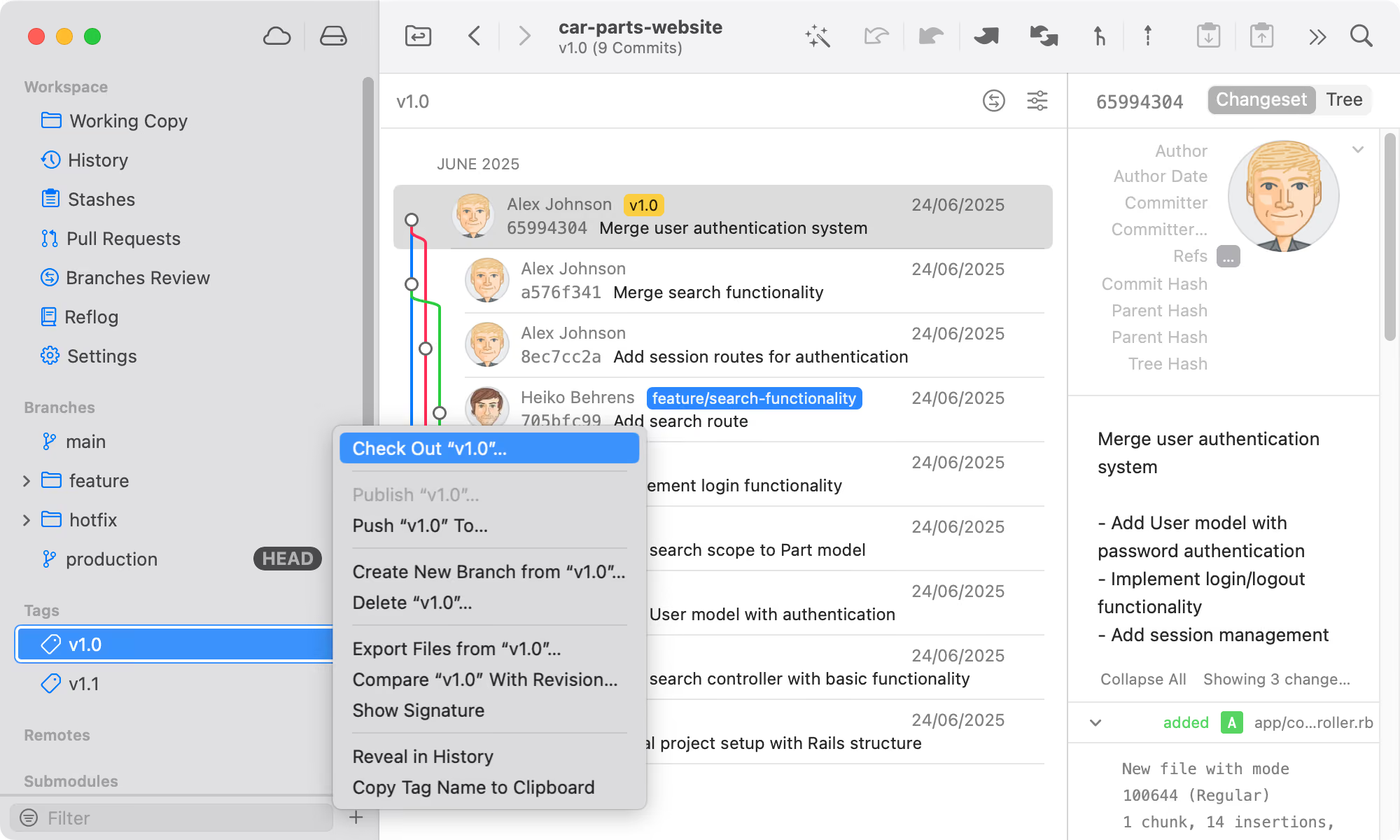
Listing Tags in Tower
In the Tower Git client, you can easily view all of your tags in the sidebar. By right-clicking on any tag, you can perform multiple operations via the context menu.