
What is a remote in Git?
A remote in Git is a common repository that all team members use to exchange their changes. In most cases, such a remote repository is stored on a code hosting service like GitHub or on an internal server.
In contrast to a local repository, a remote typically does not provide a file tree of the project's current state. Instead, it only consists of the .git versioning data.

The Git Cheat Sheet
No need to remember all those commands and parameters: get our popular "Git Cheat Sheet" - for free!
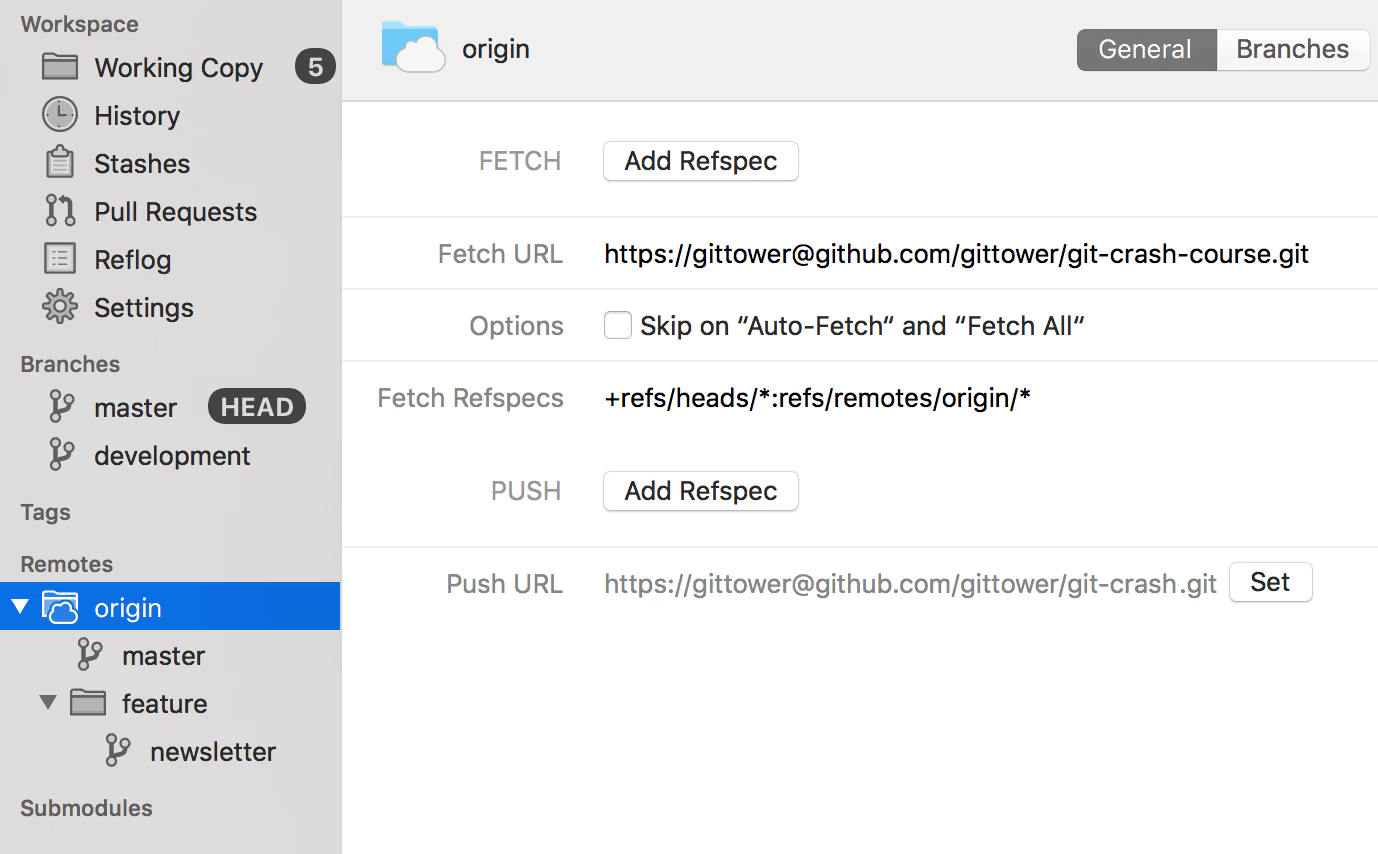
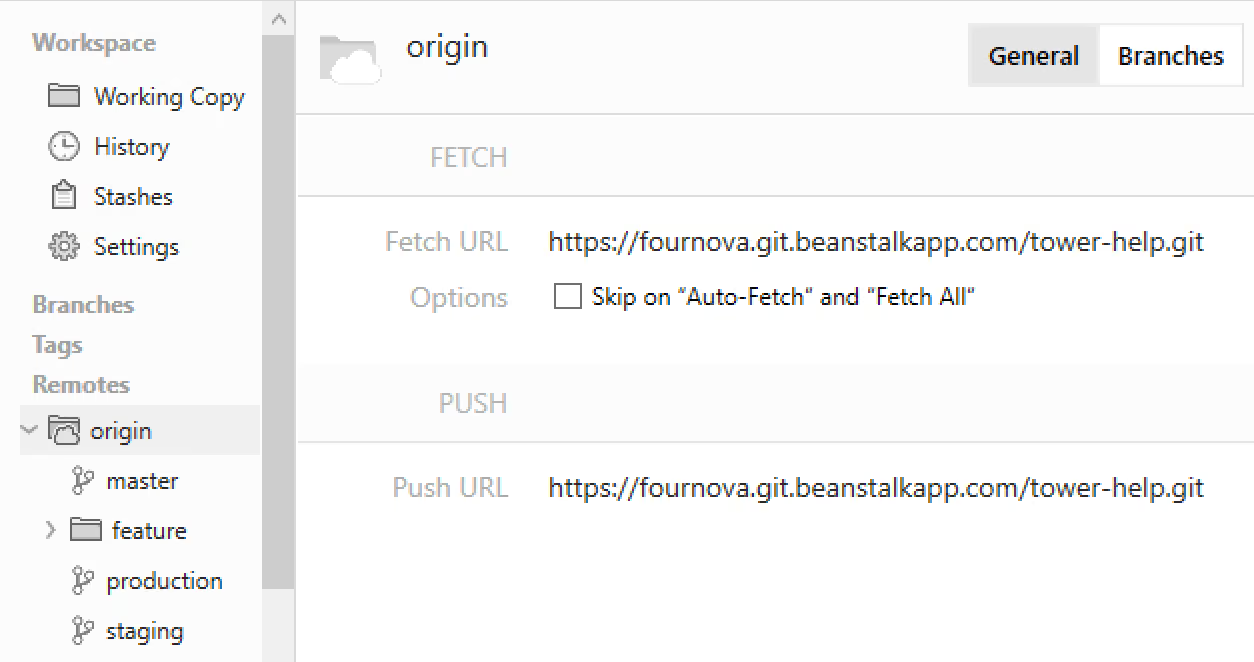
In case you are using the Tower Git client, adding and managing remote repositories is easy. You can access connected remotes simply through the sidebar:
Learn More
- Check out the Remote Repositories – Desktop GUI edition chapter in our free online book
- More frequently asked questions about Git & version control
Download the Cheat SheetFree
Get 18 of our most popular Cheat Sheets in one handy ZIP!

Thanks! Please Check Your Inbox!
Want to win one of our awesome Tower shirts?
Tell your friends about the package!